Fix subtitles that appear too early or late on Mac
When every subtitle appears the same amount too early or too late, moving the subtitle timings can bring them back into sync. Lemora's Shift Timing action applies one offset to an SRT or VTT file and saves a new copy. First check that the delay is consistent: a fixed shift cannot correct timing that slips further behind as the video plays.
Measure the delay, then shift the subtitle file
- Play the video with its current subtitles. Pick a clearly spoken line and compare the start of the speech with the moment its caption appears.
- Check another line near the middle and another near the end. Continue with a global shift only if the difference stays roughly the same.
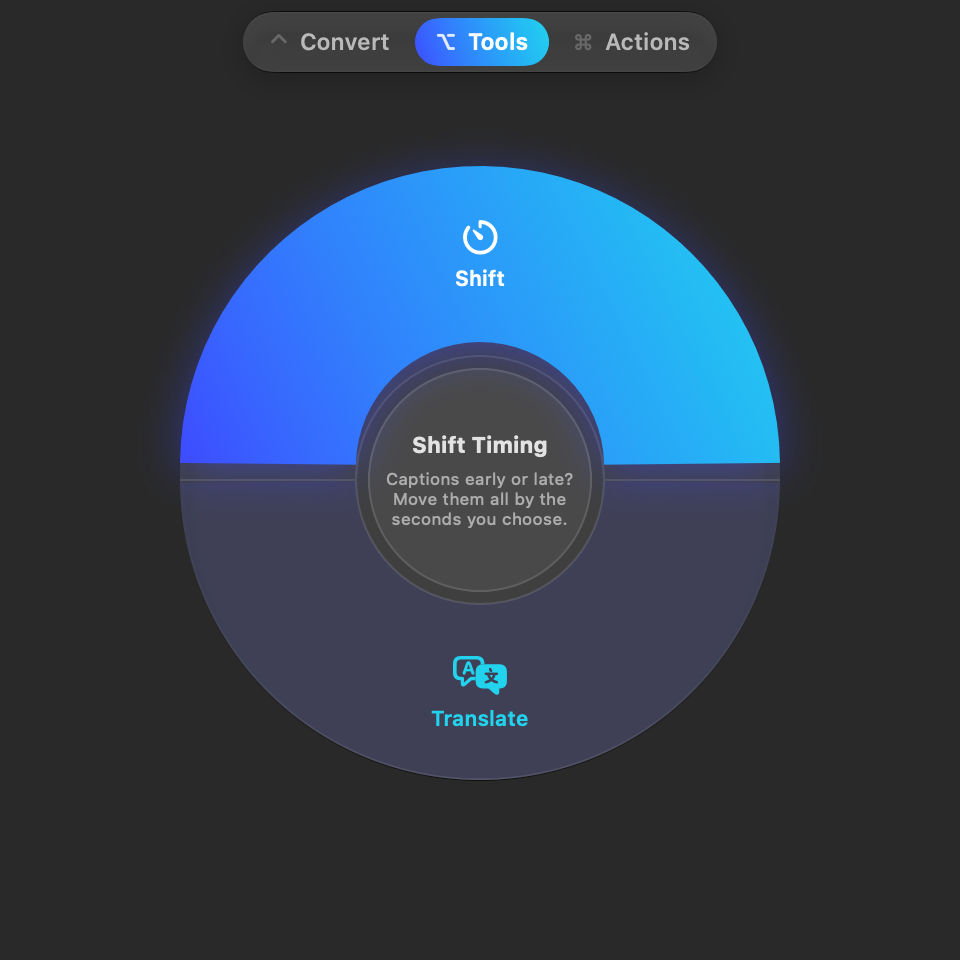
- Select the SRT or VTT file in Finder. With Lemora running, press Shift-Command-E and choose Shift (Shift Timing) on the Tools page.
- Enter the offset in seconds and choose Later or Earlier. If the caption leads the speech by 1.5 seconds, choose 1.5 seconds Later. If it lags by 1.5 seconds, choose Earlier.
- Confirm the shift, then load the saved subtitle copy in your player. Check the same lines again and make sure the player is using the new file.
Results are saved beside the originals when folder access is available, or in Downloads/Lemora otherwise. Source files are never overwritten.
Where to find these actions
- Tools → Shift (Shift Timing): Captions early or late? Move them all by the seconds you choose.
What you get
A subtitle copy with shifted cue times
Every caption moves by the same number of seconds. The video stays unchanged, and you load the new subtitle file in your player.
Works with: Separate SRT or WebVTT subtitle files. Start with the caption file, not the video.
Choose the direction from what the viewer sees
Imagine a caption appearing at 00:10 while the matching sentence starts at 00:12. The caption needs to move two seconds later. If the sentence starts at 00:10 and the caption appears at 00:12, move it two seconds earlier. Lemora asks for a positive number and a direction, so you do not need to enter a negative sign in the timing window.
Distinguish a fixed offset from growing drift
A caption that is two seconds early throughout a recording is a good candidate for a two-second shift. A caption that starts close to correct but is ten seconds late by the end needs a different correction. One global offset changes every cue equally; it does not stretch the timeline, change a frame rate or repair individual scenes.
If timing changes suddenly partway through
Check whether the captions belong to the same version of the video. An added introduction, a missing scene or a different edit can make one section line up while another does not. Lemora's Shift Timing action moves the whole file. Use subtitles for the matching cut or a subtitle editor with section-level timing controls when one shift cannot cover the recording.
Moving captions earlier can affect the opening cues
A caption moved entirely before the start of the video is omitted from the shifted copy. A caption that crosses the start is clipped to begin at zero. Inspect the first few captions after a large earlier shift. Keep the original subtitle file so that you can start again with another offset if needed.
This changes the subtitle file, not the picture
The video is not re-encoded and captions are not burned into its frames. Your player needs to load the saved SRT or VTT file. If it still looks unchanged, confirm the active subtitle track and check whether the player has a separate timing adjustment enabled. An old player offset can make the corrected file seem wrong.
Tested example: moving the first caption
The source caption runs from 00:00:01,000 to 00:00:03,000. We tested later and earlier shifts on separate copies.
- 1.5 seconds later produced 00:00:02,500 → 00:00:04,500.
- 2 seconds earlier produced 00:00:00,000 → 00:00:01,000: the start was clipped to zero.
- The caption wording remained unchanged in both outputs.
Tested 2026-11-15 with generated sample files in local debug build 1.0.0 (5) on macOS 27.0. This is not an App Store release test or a benchmark of arbitrary files.
Questions
Does Shift Timing synchronize subtitles automatically?
No. You supply the amount and direction. Measure the difference against the recording and inspect the result.
Can I fix captions embedded inside a video?
This workflow starts with a separate SRT or VTT file. It does not extract an embedded track or move captions already drawn into the picture.
Can I apply the same shift to several files?
Yes. Select the subtitle files together in Finder. Use this only when the same offset is appropriate for each recording.
Try this workflow on your Mac
Download Lemora on the Mac App Store Free to try: every feature for your first 25 actions. macOS 15 or later.